 Rinnah FuelBack to home
Get an alert before the tank runs low.
Set farm thresholds, then let each team member choose the tank alerts they need.
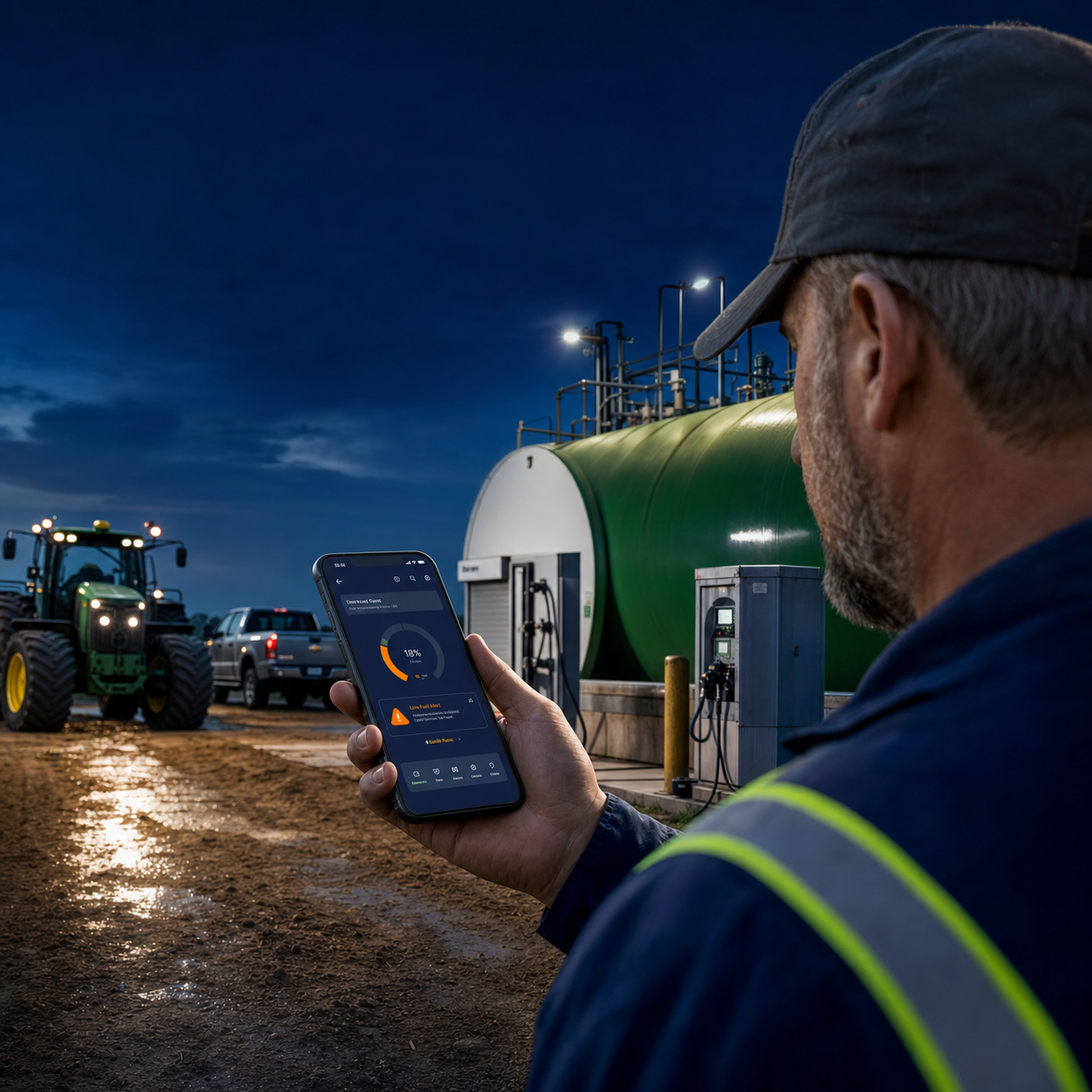
A useful warning, sent to the right people
Admins set the calculated tank level that triggers an alert. Each account member chooses their own subscriptions in My notifications.
Rinnah Fuel maintains a calculated balance from the opening stock, deliveries and logged fuel issues. When that balance reaches your chosen threshold, the alert gives your team time to check the tank and arrange the next delivery.
The level is calculated from recorded activity rather than measured by a physical sensor. Keeping deliveries and issues current makes the warning more useful and gives everyone one shared view of the remaining fuel.
- Choose a threshold that suits the tank and normal delivery lead time
- Let each team member subscribe to the tanks they manage
- See the calculated level and estimated days remaining together
Set the threshold from lead time, not guesswork
If the farm burns about 320 litres per day, the supplier normally needs four days, and management wants a 500-litre reserve, the warning should arrive at 1,780 litres.
Alert threshold = average daily use × delivery lead time + operating reserve
| Input | Example |
|---|---|
| Average daily use | 320 L/day |
| Supplier lead time | 4 days |
| Operating reserve | 500 L |
| Suggested threshold | 1,780 L |
Raise the threshold during harvest or when roads, payment approval or supplier availability can lengthen delivery time.
Who should receive which warning
| Role | Reason to notify |
|---|---|
| Farm manager | Confirms upcoming work and authorises the order |
| Store or fuel supervisor | Physically checks the tank and recent entries |
| Procurement or accounts | Places the order and clears supplier requirements |
Ask the people who can act to subscribe to the relevant tanks in My notifications.
What to check when an alert arrives early
- Confirm recent deliveries were entered against the correct tank.
- Look for unusually large or duplicate fuel issues.
- Compare current workload with the period used for the burn-rate estimate.
- Physically measure the tank if the calculated level is operationally surprising.
How it works
- Add the tank and enter its opening level.
- Set the low-fuel threshold; each user selects tanks in My notifications.
- Keep deliveries and fuel issues logged so the balance stays current.
Use alerts for a bulk diesel tank serving tractors, pickups, generators, pumps and off-road equipment.
Common questions
Can I choose the alert level?
Yes. Set a threshold that is appropriate for the tank and its normal delivery lead time.
Who receives the alert?
You choose the account members who should be notified.
Does the alert require a tank sensor?
No. It uses the calculated balance from logged deliveries and fuel issues.