 Rinnah FuelBack to home
How to set up low-fuel alerts
Set farm tank thresholds, then choose your own alerts and enable your device in My notifications.
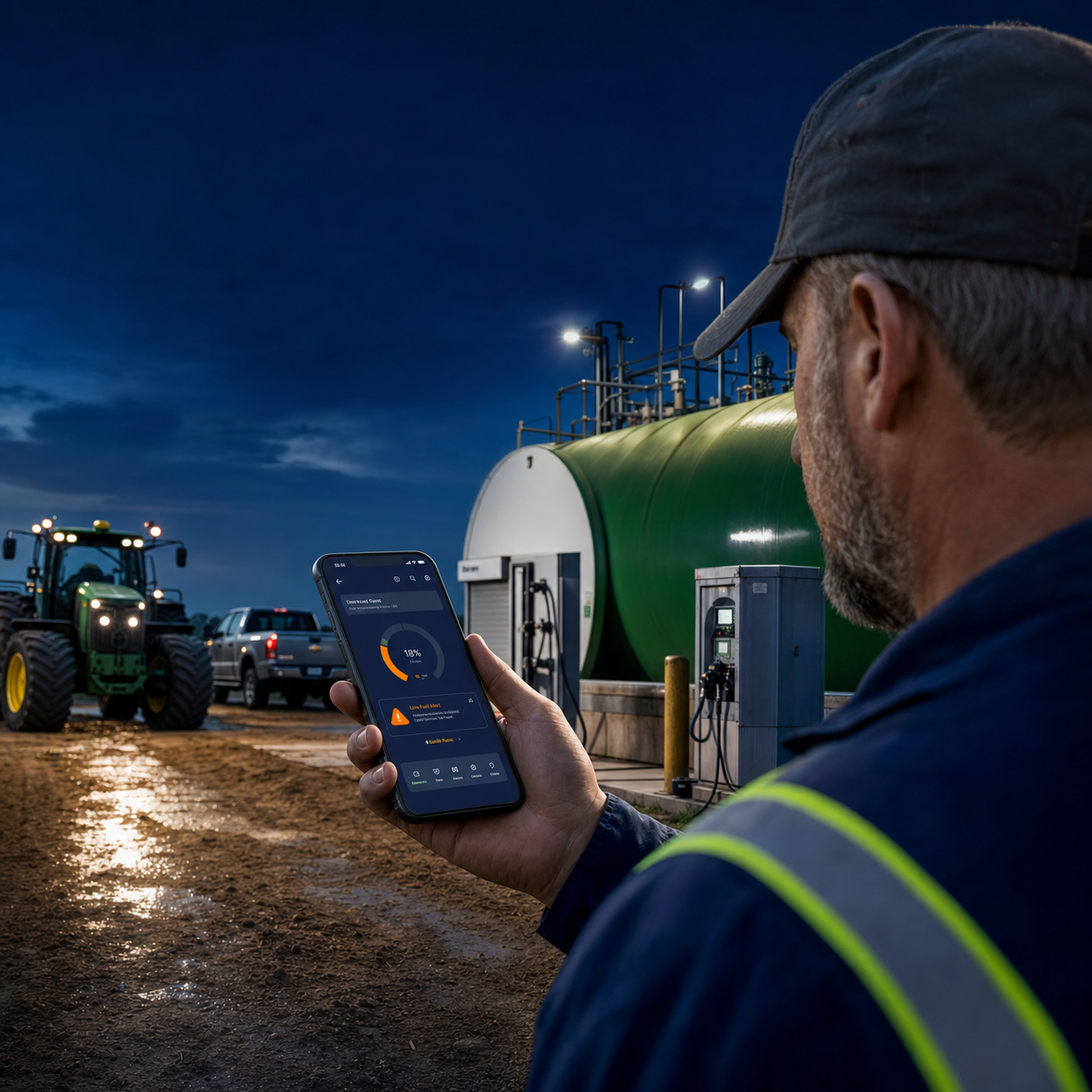
Warn the right people before stock runs low
The low-tank threshold is a percentage of tank capacity. Users subscribed to that tank are notified when the calculated level crosses down to the threshold.
Each user manages their own subscriptions. Open My notifications, select the tanks, save your preferences, and enable the device you use. Admins cannot enable notifications for another person.
- Choose a threshold from 0% to 100%
- Choose your tanks in My notifications
- Confirm push notifications on each device
Save the low-tank alert settings
- Open the main menu and select Fuel inventory.
- Under Low tank alerts, enter the Low-level threshold percentage.
- Each user opens My notifications and selects their own tanks.
- Save the farm threshold. Each user saves their own preferences, enables each device, and sends a test notification.
Alerts use the calculated tank level, so tank setup, deliveries and fuel issues must be kept current.
How it works
- Admins set farm warning percentages.
- Choose your tanks and save personal preferences.
- Enable this device and send a test notification.
The alert applies to the shared fuel tank rather than a particular vehicle or machine.
Common questions
Why does this device show Not enabled?
Notifications have not been enabled or verified in this browser. Choose Enable on this device and allow the browser permission prompt.
Where does a member enable notifications?
Open My notifications from the main menu. Choose events and tanks, save preferences, then enable the current device. Use Send test notification to check delivery.
What level triggers the alert?
The alert uses the percentage of the configured tank capacity and the calculated remaining litres.